

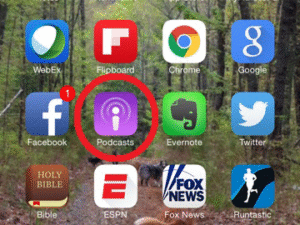
- Launch Apple’s Podcast app.
- Tap on the Search tab.

- Enter the name of the podcast you want to rate or review (In this case, Yogahealer).
- Tap the blue Search key at the bottom right.
- Tap the album art for the podcast.
- Tap the Reviews tab.
- Tap Write a Review at the bottom.
- Login to your iTunes account.
- Tap the Stars to leave a rating.
- Enter title text and content to leave a review.
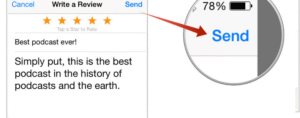
- Tap Send.